
What does this mean?
First, let’s load the game.
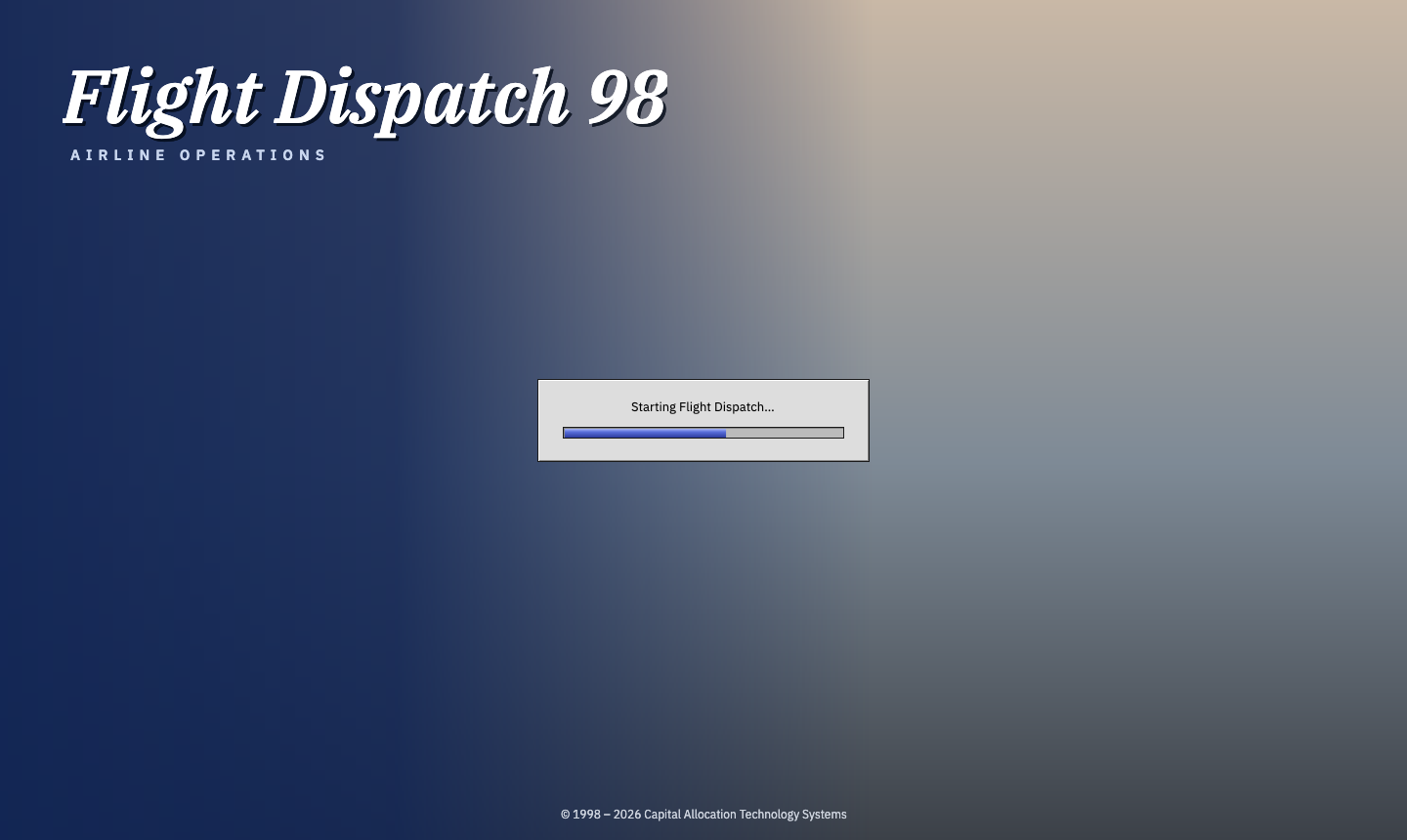
Hilariously the game has so few assets it loads straight away, but when the time comes, the loading screen is ready. I played around with trying to use a background image of a plane, but accidentally made this background, and then it reminded me of the full-screen Windows wizards you used to get. I’m keeping it for now.
Throbbing
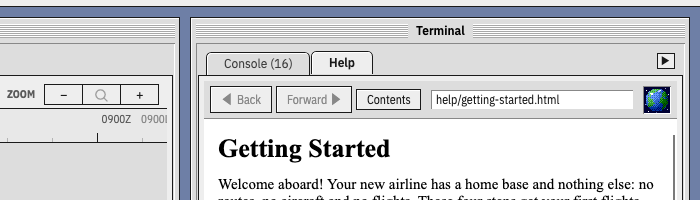
Talking of loading, I’ve been working on the Help pages, which are amazingly an actual web browser built into the UI framework, and I was reminded of the era of throbbers that Netscape Navigator and Internet Explorer used to have where they’d play a little GIF animation while you were waiting for the page to load. High-speed internet connections killed them off, but I thought I’d bring it back. I don’t want to be completely mean and put an artificial time delay in. Instead it’ll just play when you visit a new page (apart from when you go back or forwards, as that was always cached).
Avalonia, the UI framework I’m using, doesn’t play GIFs natively (although you can install a package). Instead I have a class that maps out a very rough approximation of the world in an array, and then ‘spin’ around it.
"........................................................................",
"...................####..******.........................................",
".............########.**********......###..............###..............",
"...........###########...*******..............##.##################.....",
"##.################..###.****..........#################################",
"#..##############...####..**...##....###################################",
"....##...########....###...........#.###########################...##...",
"..........#########.#####.........##.############################..#....",
"...........############.#..........##############################.......",
"...........###########............###.#.##..#..################.#.......",
"...........##########.............##....#####..#############.#.#........",
".............#######..............####.....#################..##........",
".............####................#############.#############............",
"...............##..##............##########.####..#########.............",
"...............####..#...........##############....##..##...............",
"..................#..............############......#....##..#...........",
"...................#######.......#############.....#........#...........",
"....................######............#######..........##.##............",
"....................########..........######............#.#.#..##.......",
"....................#########.........######.............##.....##......",
".....................#######...........#####..................#.#.......",
"......................######..........#####..#..............#####.......",
"......................######...........####..#.............#######......",
"......................####.............####................########.....",
"......................####..............##.................##..###......",
".....................####.......................................##.....#",
".....................##..........................................#....#.",
".....................##.................................................",
".....................#..................................................",
"........................................................................",
".......................**...............................................",
"......................**....................*************************...",
".....................***.........*************************************..",
"************************************************************************",
"************************************************************************",
"************************************************************************",
This was Claude’s idea so I won’t take credit here. It’s 5° cells from 90°N and 180°W, using ‘#’ for land, ‘*’ for ice, and ‘.’ for the oceans.
A map, why not?
The logical next step from here was to add a map. I hadn’t planned on doing this for a while, but I was intrigued to play around with the idea. I want to avoid drawing any political boundaries or going into the scale of individual airports, at least for now. This animation is cute, but I think a clean vector map is best for now.
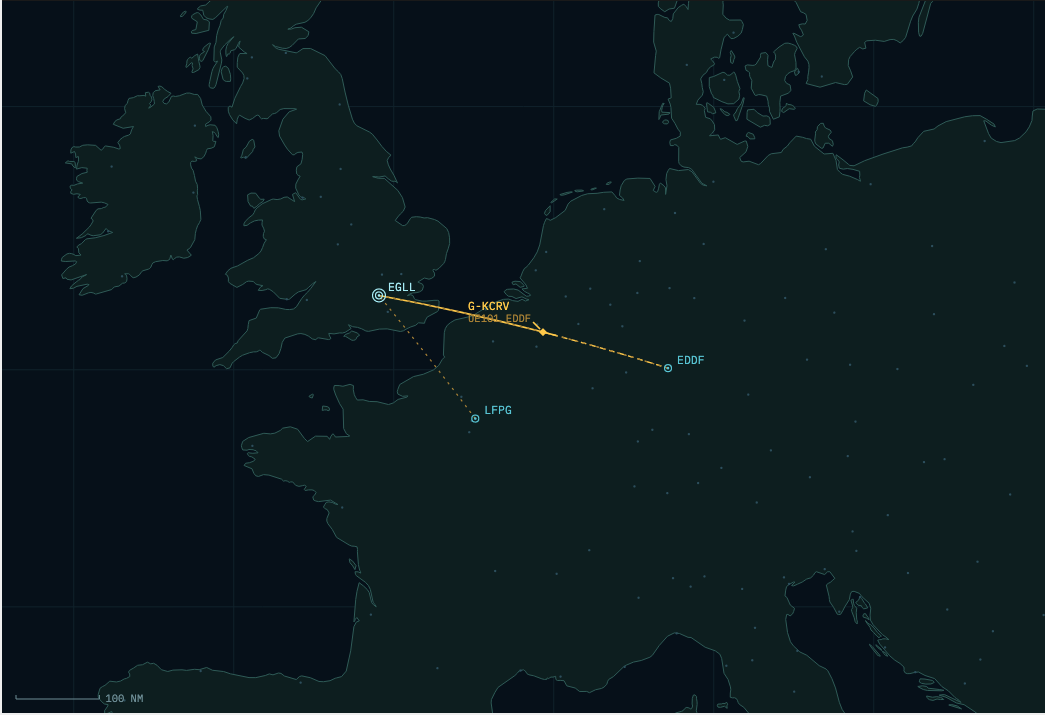
This is fine for now, but I really want the actual routes that the aircraft take to be shown, rather than just the standard arc. Perhaps a country’s air traffic control is on strike, and you’d want to see how that could impact the route taken.
What do all these words mean?
As the interface starts to build up, I’ve noticed a lot of the understanding is becoming not very friendly to beginners. A fair number of aviation geeks probably know what a “Y” cabin class is, but not everyone.
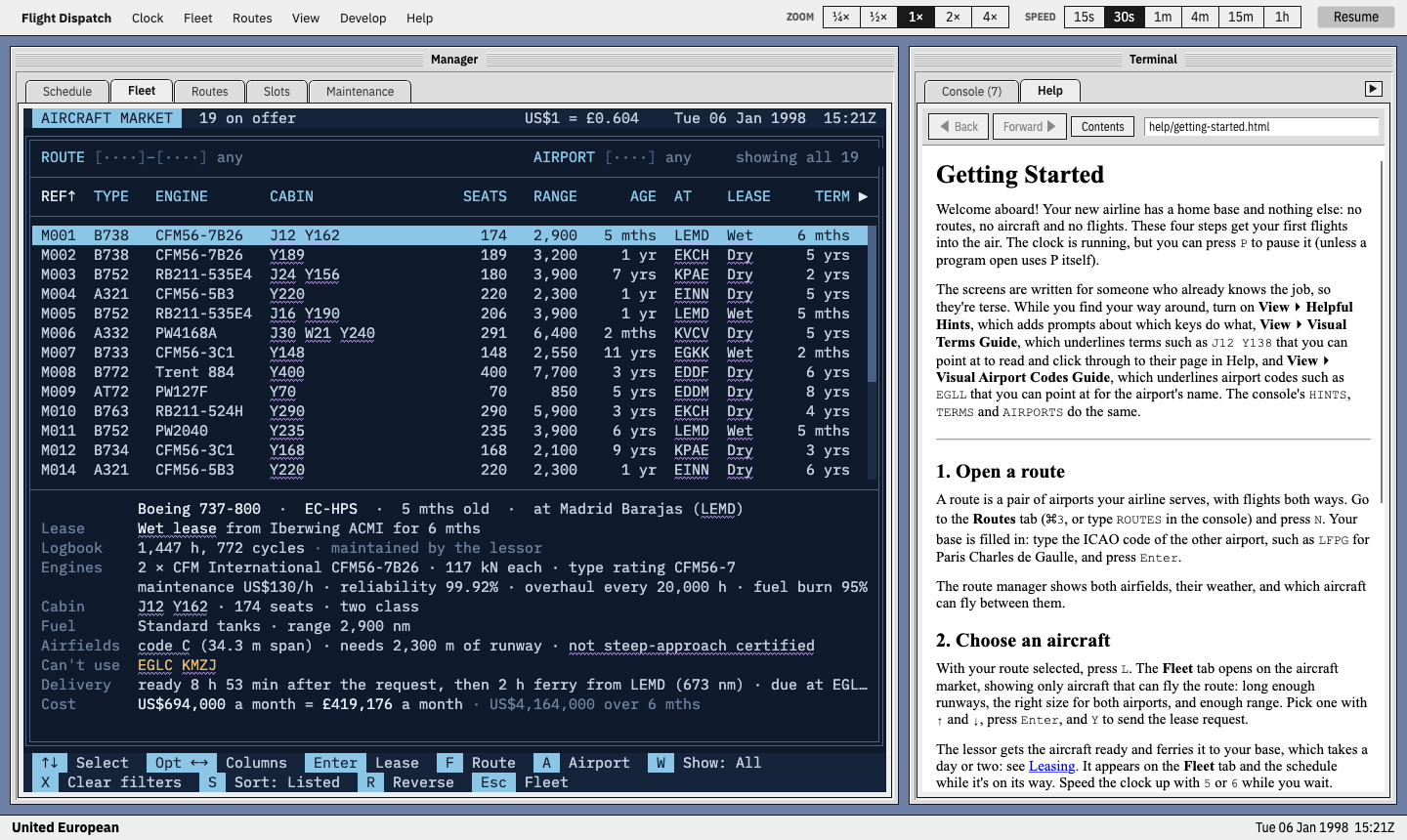
On the flip side, I want to avoid making everything too easy. For the advanced player, I want the game to not feel like a game. To get around this, I’ve added a wavy-line guide that you can turn on or off, and it’ll indicate what you can hover over to find out more about. If applicable, it’ll link to the Help page too. This way a player could learn about everything and discover it themselves through the Help alone, or leave the guide on to learn a bit more quickly. Then when they’re ready, turn all the guides off and enjoy their newfound knowledge.