
Early inspo
If you’ve ever looked looked over a check-in desk, or seen the screens as you pass through the boarding desk, you’ll discover that they often look like nothing more than a DOS prompt. And, that’s pretty much what they are. There simply isn’t much need for them to be any more sophisticated. And they almost always just have keyboards without mice. By today’s standards they’re retro.
A lot of games worry about immersion into the environment. I find that when playing a flight simulation, for example, that a lot of the immersion comes from the story world (such as other aircraft, air traffic control) rather than from the graphics. But when you do need the graphics, I find the most immersive experiences are most true to real life, rather than trying to reflect real life.
I’m not explaining this very well. Here’s an example. I want you to feel like you’re actually in-charge of these aircraft and these are real people. One version of this game could be a 3D graphic of an office with people walking past behind your ‘monitor’ where you’re playing the game. Maybe there’s a cup of coffee on the desk. Another version of the game is that your computer is game, and as the story drags you in, the world around you disappears. Personally, I find the latter more immersive.
To keyboard or not to keyboard
In some notes I made earlier this year I asked a question: could you build a game that doesn’t required a mouse? Yes, of course you can, there’s lots of them. But what about a PC game? Does taking the mouse away and just using the keyboard make the game more immersive, or does it just make it annoying?
I really enjoy playing games that have great keyboard shortcuts and allow you to speed up playing the game as you get better, allowing you to take on more board. Possibly you need a mouse at the start until you’re comfortable trying to remember keyboard shortcuts. It could be a pain at the start.
In my previous post I wrote a bit about my nostalgia for 90s’ PC games. I think that possibly going down an almost DOS-style interface with only a keyboard could alienate younger gamers – but maybe they’d be onboard for some retro action.
Inspiration
One of the first operating systems I’d ever used was on an Amiga. I didn’t really know what it was at the time, only that if I didn’t put a game in my Amiga this would show up.
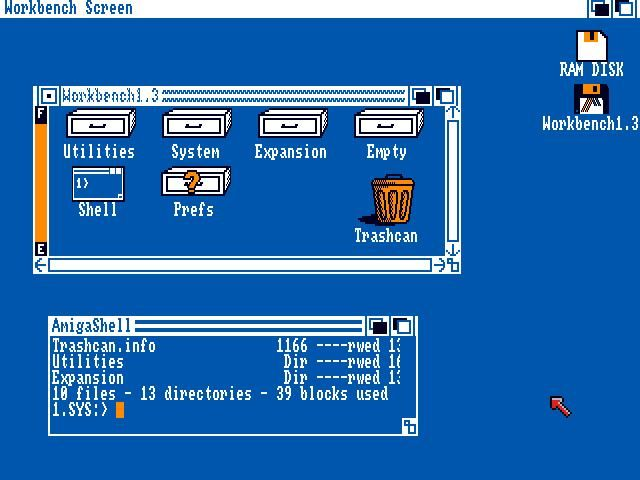
I really like the detail on how to indicate that the window is ‘blured’ and an early attempt at creating a 3D-like effect on the menu bar with the two horizontal lines.
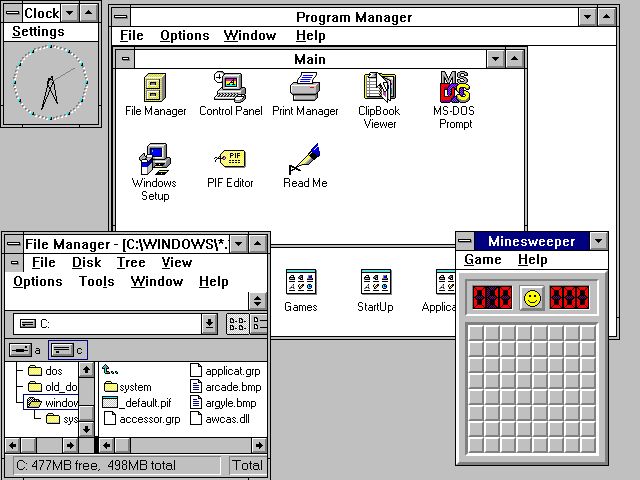
Windows 3.1 is probably when a lot of people born before 1990 got to use a computer for the first time. It’s quite grey, although you could customise that, and it stayed around for much of the early 90s until...
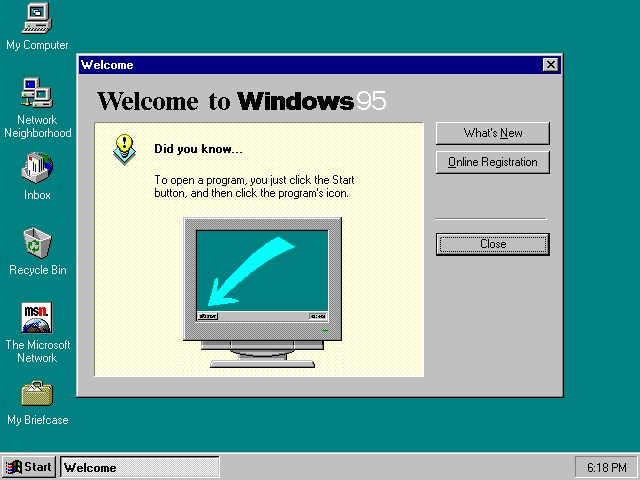
Anyone born in the 1990s or before is probably more likely to remember this, or Windows 98. That green colour is very familiar to me and I seem to remember playing Civlization around this time. This is also when the 3D affects really start to appear. And one of my favourite features from that area which I wish would come back, clear keyboard shortcuts!
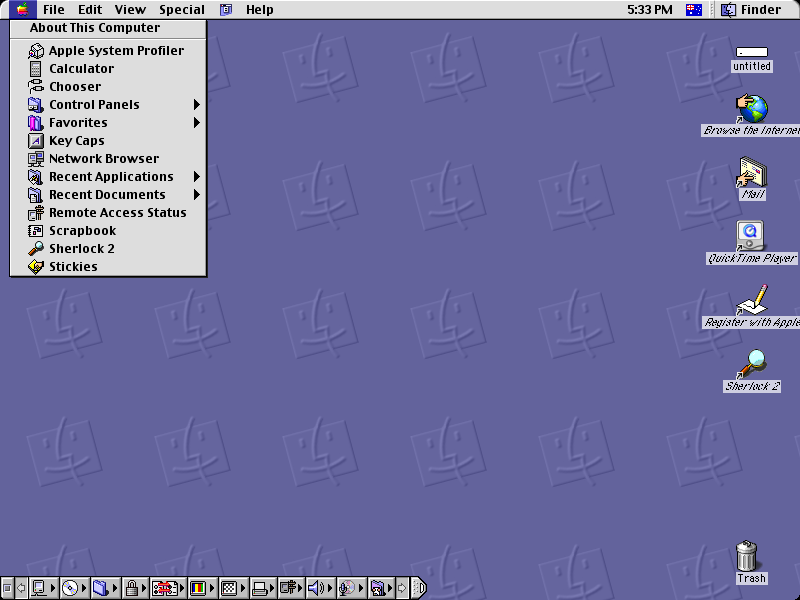
Meanwhile on the Macintosh, this was Apple’s look right up until Mac OS X (now macOS) took over. Again the colour and the background pattern are very memorable to me, and they had some really wonderful 3D effects.
Concepts
I’ve spent some time trying out some of these ideas, creating interfaces and prototyping them to see if they’d be enjoyable and immsersive.
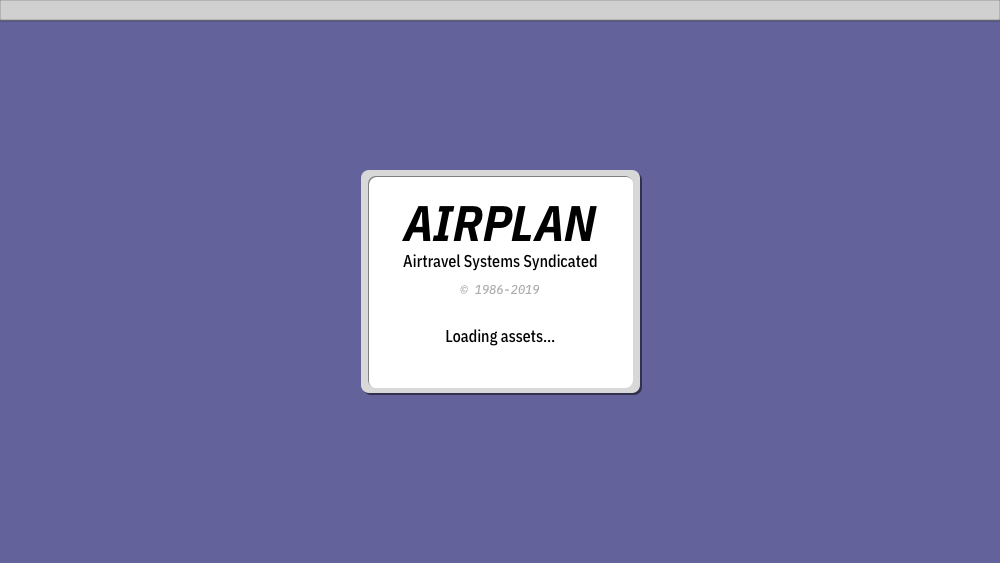
I quite like the idea the the game is an operating system, or at least a set of programs, that help you complete your task. You use one system to manage your crew, another to manage the flights, then the main one to manage your schedule.
Limiting yourself to a simple text-based layout has been quite good fun to play around with. Of the prototypes I’d made, I found that although it took some getting used to at first, so long as the keyboard shortcuts remained consistent it was fine.
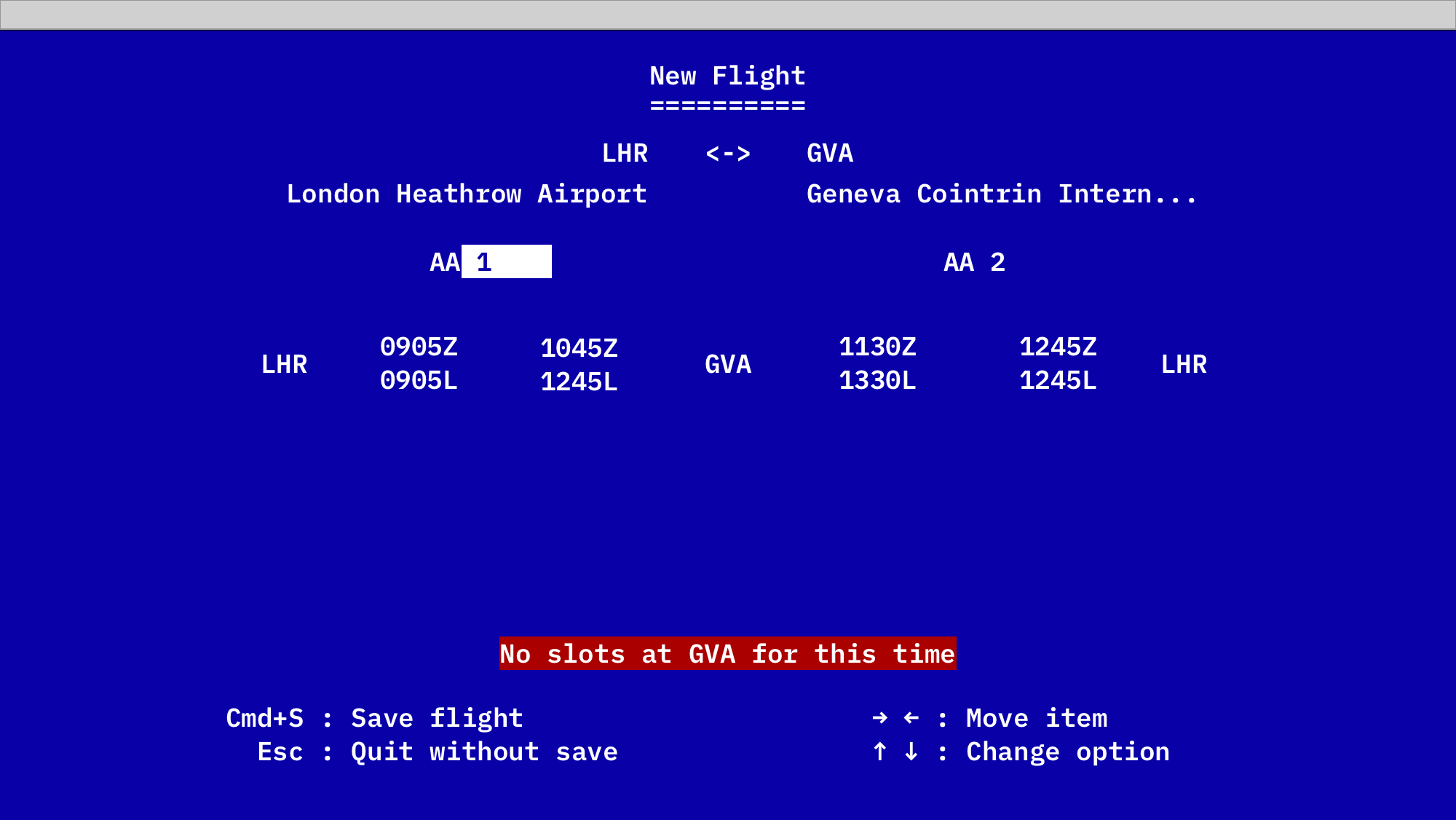
In the mockup above I’ve been heavily inspired by a sort of BIOS prompt you might be familiar with. Jumping between the fields is probably one of the trickiest things to get right and not annoy people with.

If you were around in the 80s or 90s, then depending if you had an IBM PC or a Macintosh you would have a different idea of retro. I was fortunate to have access to both, and I think that borrowing from both should give everyone who was around then a little nostalgia kick.
Now that I’ve got a clear idea in my head of the direction I want the look and feel to be, I’m now going to start working towards getting some of the basic functionality down, and start thinking through some of the early game play.